 Platmart Bulk Price EditorPlatmart Bulk Price Editor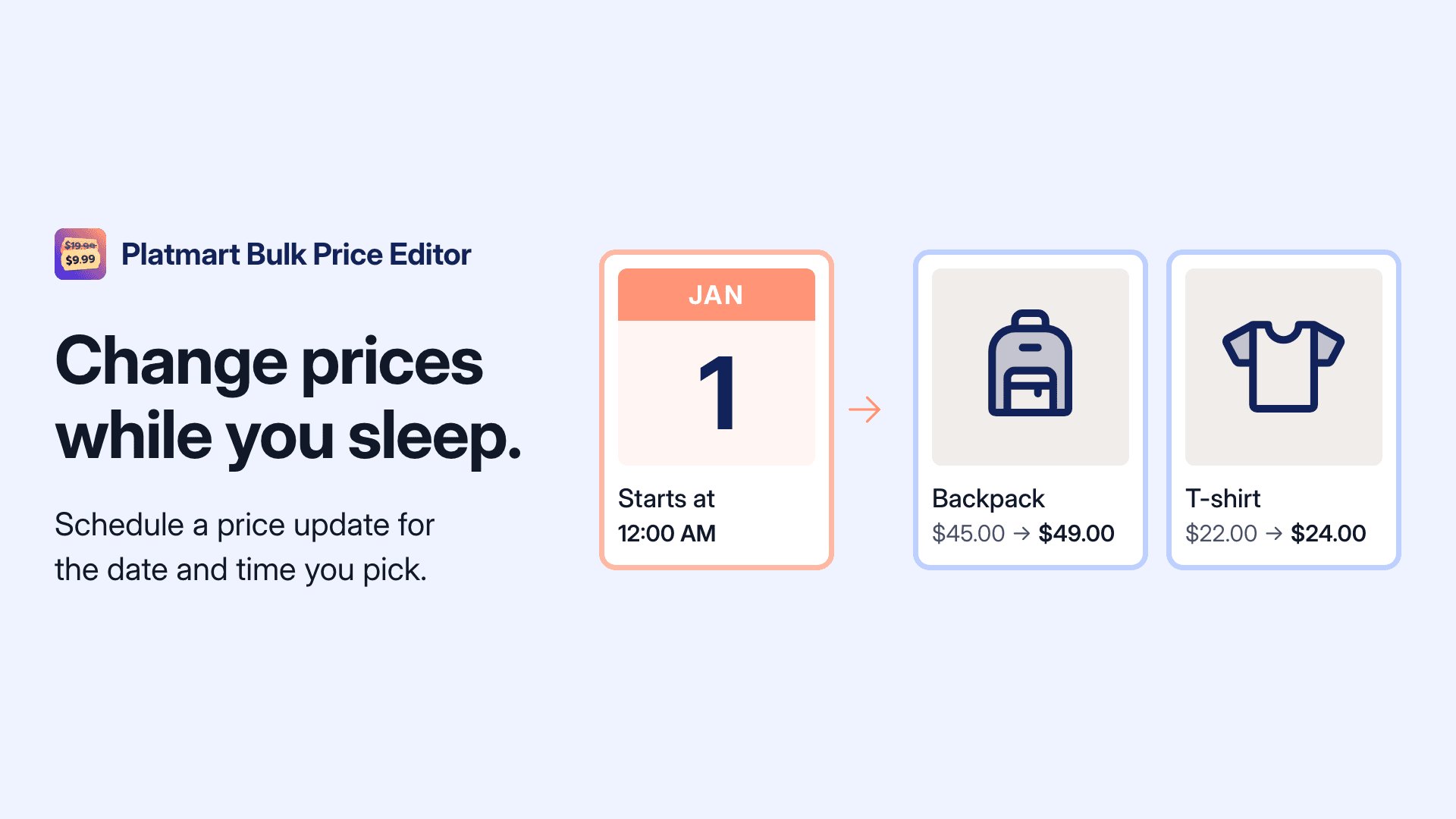
Oct 29, 2026
You can now schedule a task to start at a date and time you choose, like a price increase on January 1. In the Schedule card, pick Schedule for later and enter the start date and time in your store's timezone. Your own local time shows right below it.
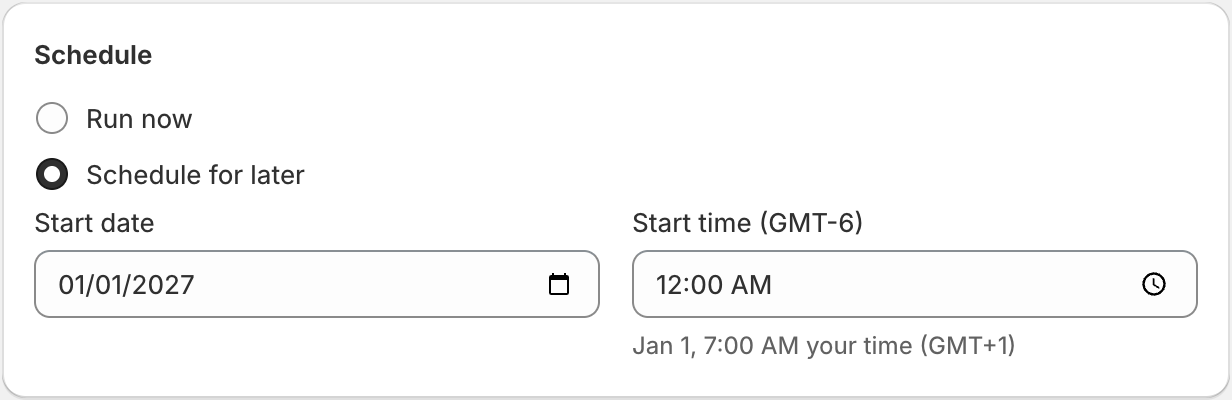
Until then, the task shows Scheduled and no prices change. You can still edit it, cancel it, or start it early with Start now. At the start time, the task changes prices for every product that matches your selection at that moment, including products added to a selected collection in the meantime. Available on the Advanced plan or higher.
Like any task, the new prices stay in place after it runs, so it fits planned price increases and other lasting updates. For a promotion that ends on its own, use a sale. Learn when to use a task or a sale.